What Happens When You Update Plugins, Themes, or Apps?
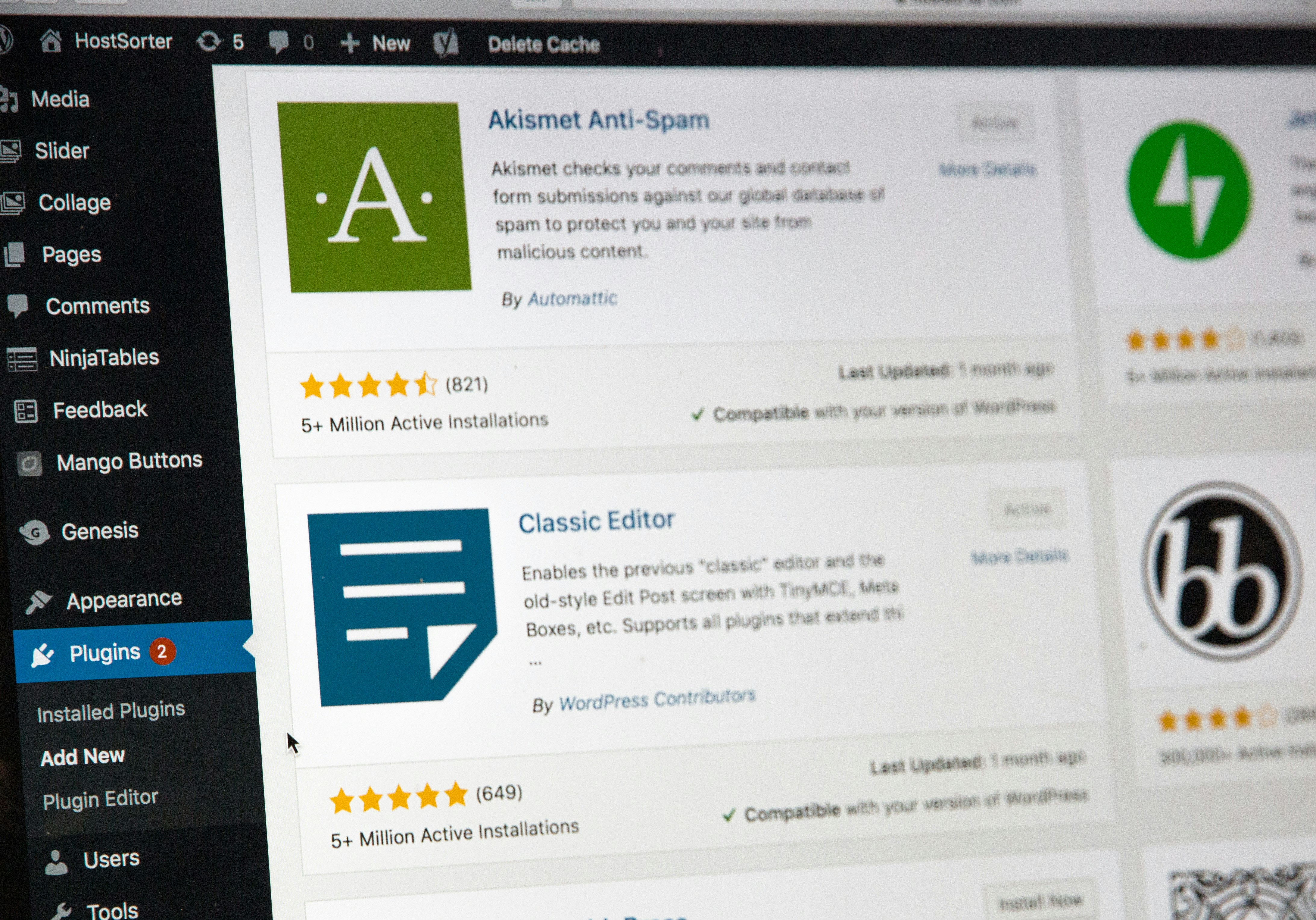
Understanding the Update Process
Updating plugins, themes, or applications is a crucial maintenance task that users must regularly undertake to ensure optimal functionality and security. An update refers to a revised version of software that includes improvements, bug fixes, new features, or security enhancements. Developers create these updates in response to user feedback, emerging technology trends, or the need to address vulnerabilities, thereby enhancing user experience and maintaining software integrity.
The update process typically begins with the user initiating an update command within the software interface. This action triggers a series of mechanistic steps that occur behind the scenes. First, the system generally checks for the latest version of the software on the developer’s server. During this stage, the software retrieves metadata about the most recent updates, including the version number and compatibility information. Ensuring compatibility is essential, as it determines whether the new version will function seamlessly with existing software, user settings, and other installed components.
Once compatibility is confirmed, the update files are downloaded to the user’s device. This process may vary depending on the type of software; for instance, plugins and themes for content management systems might follow a different protocol than standalone applications on mobile devices. After downloading, the update mechanism will typically back up the existing version before replacing it with the new one. This backup serves a crucial role, as it allows users to revert to a previous version if any complications arise post-update.
Finally, version control systems and logging mechanisms are implemented to track changes made during the update process. This not only helps in debugging issues but also assists developers in maintaining a clear record of version history. Through this comprehensive update process, software remains reliable and aligned with user needs.
The Benefits of Regular Updates
Keeping your plugins, themes, and apps up to date is essential for several reasons that contribute significantly to the overall performance and usability of any online platform. One of the most critical benefits is improved security. Cyber threats are continuously evolving, and malicious actors often exploit vulnerabilities in outdated software. Regular updates address these vulnerabilities, patching them to protect your data and the integrity of your website or application. This proactive approach to security reduces the risk of breaches that could lead to data loss, reputational damage, or costly recovery efforts.
Another advantage of maintaining current versions of your applications is access to new features and enhancements. Software developers invest considerable resources into improving their products, often adding functionalities that enrich user experiences. By staying updated, users can take advantage of these innovations, ensuring they benefit from the latest technological advancements. This is particularly important in competitive industries where being up to date can give businesses a distinct advantage, allowing them to offer services that meet evolving customer expectations.
Moreover, updates frequently lead to better overall performance. As software evolves, developers optimize their code for efficiency, which can lead to faster load times and reduced resource consumption. For instance, an outdated plugin might cause slowdowns on a website, leading to a poor user experience and potential loss of visitors. By routinely updating your plugins and themes, these issues can often be resolved before they escalate, ensuring a smooth and responsive experience for users.
In real-world scenarios, businesses that adopt an update-first philosophy often report fewer issues and enhanced user satisfaction. For example, a company that regularly updates its e-commerce platform can quickly address bugs that may otherwise deter potential customers. As such, embracing regular updates positions any organization firmly ahead of challenges, both current and future.
Potential Risks and Considerations
Updating plugins, themes, or applications is a necessary aspect of modern software management, ensuring enhanced features and security protocols are integrated into user systems. However, this process is not without its potential drawbacks, and users must remain vigilant about several risks associated with updating. One significant risk is compatibility issues that can arise when a new version of a plugin or theme does not function well with existing software environments. These incompatibilities can lead to website malfunctions, application crashes, or performance degradation, which could impact user experience significantly.
Another concern pertains to the introduction of bugs during the update process. While developers strive to release polished and tested versions, unforeseen errors can surface in updates. Users often report glitches, which can hinder normal functionalities or cause unforeseen errors in applications. Consequently, monitoring user feedback regarding new versions is crucial. Engaging with community forums or review sections can provide invaluable insights into any widespread issues following an update, allowing informed decisions about whether to proceed with the installation.
Moreover, prior to updating, it is vital that users back up their data. This precautionary measure encompasses saving all necessary files and databases, ensuring that a rollback is possible should an update result in significant problems. Finally, reviewing changelogs can help users understand the modifications introduced in the update. These logs typically outline new features, security fixes, and any potential risks related to existing functionalities. In summary, while updates are essential for maintaining software integrity, users should carefully consider these factors to mitigate risks associated with upgrades.
Best Practices for Updating
Maintaining updated plugins, themes, and apps is essential for ensuring the security, performance, and functionality of any digital platform. To effectively manage updates, certain best practices should be adopted. First, establishing a regular schedule for updates can significantly streamline the process. By designating specific times for updates—such as once a week or once a month—you can ensure that this task becomes part of your routine rather than an occasional scramble. Scheduling updates during off-peak hours can also minimize disruptions for users.
Another crucial strategy is to utilize a staging environment for testing updates before deploying them to a live site. A staging environment serves as a mirror of your live site where you can experiment with updates without affecting the user experience. This allows you to identify any potential issues or incompatibilities with your existing system. Once you have tested the updates in this safe space, you can confidently implement them on your live site, reducing the likelihood of encountering unexpected problems.
It’s also important to stay informed about updates and changes related to your plugins, themes, and apps. Many developers provide release notes and documentation that outline features, improvements, or necessary changes. Keeping abreast of these updates can help you anticipate issues and plan appropriately. Additionally, knowing when to seek help is vital. If you encounter complexities that exceed your expertise—such as significant incompatibilities or the potential need for extensive customization—consider consulting a professional. Engaging with experts can provide insights that not only resolve current issues but also enhance your overall understanding of managing updates effectively.
By implementing these best practices, you can minimize risks associated with updates while reaping the benefits of improved security and functionality.